Internal services
When a process runs on a shared spreadsheet, chat threads and what one employee knows, requests get lost and work waits. We build the internal tool that process needs, with roles and permissions that follow your structure.
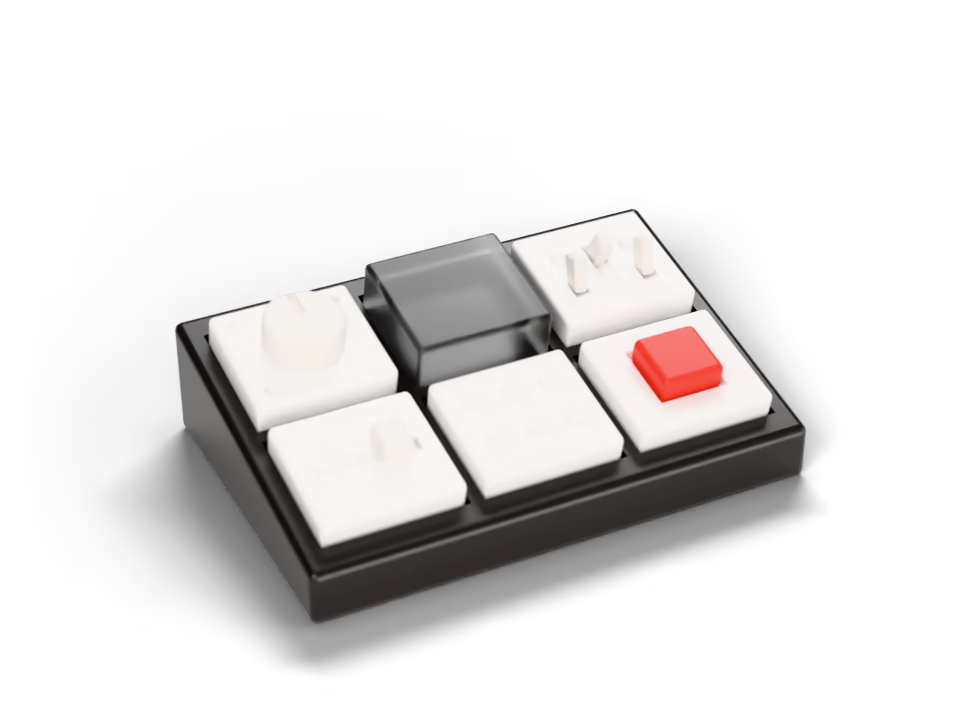
Before and after
For teams running a process that no off-the-shelf product supports the way they work — internal requests in a clinic, job cards in a workshop, equipment and access management in an office.
TodayA shared spreadsheet serves as the database.
With custom softwareA structured record showing who changed what, and when.
TodayOnly one employee knows how the process runs, and work waits for them.
With custom softwareThe process is defined in the tool, so it continues when that person is away.
TodayRequests are made in chats and easily lost.
With custom softwareRequests are recorded, assigned and closed in a shared view.
TodayAccess is all or nothing: everyone sees everything, or no one does.
With custom softwareRoles and permissions that reflect your organisational structure.
What you get
What the tool stores, who can view and edit each part, and what happens when a request is submitted — defined against your organisational structure before development begins.
The process in one tool, on a structured database
The spreadsheet that held data it could not protect becomes a structured record of who changed what, and when.
Requests that are recorded, not remembered
Each request is recorded, assigned and closed in a shared view instead of existing only as a message.
Roles and permissions that follow your structure
Each person views and edits the parts of the tool their role requires.
Work visible to the people responsible for it
The process is defined in the tool, so it continues when the person who knew it is away.
How a project runs
- Analysis
- Design
- Build
- Handover
What an internal service is
An internal service is a tool built for one specific process, where no product on the market fits the way you work.
A form
Where a request or a record is entered.
A list of requests
Every request in one place, not scattered across a chat.
Roles and rules
Who sees what, and who acts next.
One defined process
In place of a shared spreadsheet, a chat thread and one employee’s memory.
What it connects to
An internal tool usually sits alongside what the team already uses — existing spreadsheets and messaging — so requests can be submitted and answered where people already work.
- Google Workspace and SheetsThe spreadsheets and documents your team already maintains, read and updated by the system rather than manually.
- TelegramWhere your team already communicates: requests submitted and changes announced without opening another application.
- Your existing toolsKept rather than replaced. The analysis determines which of them we connect, and which one remains the source of record for each item of data.
Internal services
Common questions
Have a different question?
Write to us and we reply within 24 to 48 hours, or book a 15-minute call.
What happens to the spreadsheet we use now?
It serves as both the specification and the starting data, and we review it during the analysis. Moving its contents into the tool is priced separately or, on larger projects, may be included; either way, it is agreed before development begins.
Who can see what?
Access follows your organisational structure. Roles and permissions are designed around how the company is organised, and can later be adjusted as a setting rather than a rebuild.
Our process depends on one person’s knowledge. How do you capture it?
By working through it with them. The analysis follows the process as it is actually performed, including steps that were never documented, and the resulting diagram is the first version of the process that does not depend on one person.
Why not use an off-the-shelf product?
Where an off-the-shelf product fits, we will say so. Custom development makes sense where an off-the-shelf product would force you to change your process to suit it, which usually costs more than it first appears.
When can the team start using it?
A first prototype in about a week — usually the request form and the list, so a real request can be processed before the rest is built. As a guide, production takes about a month.
Will our staff need training?
The tool is designed to simplify the work, not add to it. It comes with a short operating guide and a handover call; a screen that needs lengthy explanation usually points to a design problem.
Who maintains it after launch?
You own it. Support is a separate service, agreed per project in the contract; defects found during the support period are ours to fix. We take on change requests with or without a support agreement, and the source code and accounts are yours either way.
Can we export our data?
At any time. Data is stored in a form that can be exported and moved, and at delivery the source code and the accounts are yours.
Other examples of what we build
A single record of every customer and deal, structured around the way your company already sells and serves.
Documents that follow a defined approval route instead of circulating through chats and shared folders.
A single record of stock, orders, assets and working time, replacing a separate spreadsheet for each department.
The key figures your business is managed by, collected automatically rather than compiled manually.
Your existing tools connected, so data moves between them without manual transfer.
Internal systems, process automation, operational platforms, management tools or a new software product. Describe the problem, and we design the software it needs.

How to start
Describe the task
Tell us about the problem and the process around it, in your own words. No specification is needed.
First analysis and an initial plan
We review your process and requirements at no charge. You receive a diagram of the process and an initial plan for the software.
A price for your project
The price is set after the analysis and agreed before development begins. It may change if the requirements change or the scope grows, and can be paid in stages.
Get in touch
Tell us about the problem you want to solve
We will reply, ask about your current process and propose where to start. If this page has not answered your question, ask it here.
We reply within 24 to 48 hours, in the order requests arrive.
Or write to us at hello@