Document workflows
When documents are agreed in chats and kept in personal folders, approvals stall and no one is sure which version was signed. We build a defined route for each document, with every change recorded on the document itself.
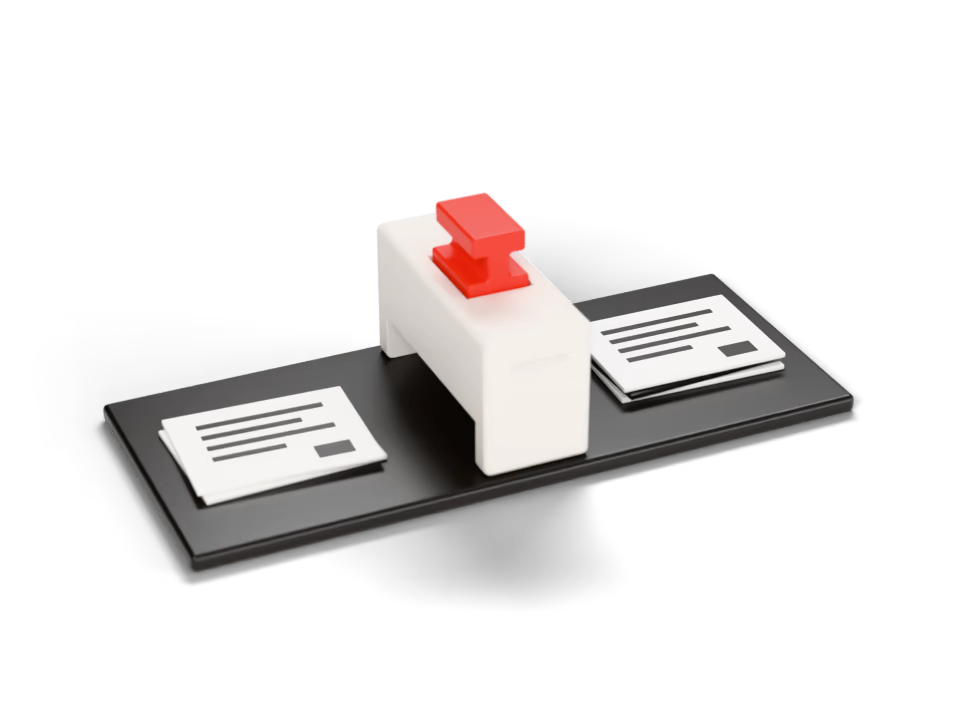
Before and after
For companies where documents are prepared, reviewed and approved by more than one person — consent forms in a clinic, waybills in a transport company, contracts and invoices in any office.
TodayDocuments are agreed in chats and stored in personal folders.
With custom softwareAgreed on the document itself, with every change kept alongside it.
TodayDetails are typed into documents even though the data already exists.
With custom softwareDocuments are filled from records you already hold.
TodayNo one can say with certainty which version was signed.
With custom softwareOne current version, with a history of every change and its author.
TodayDocuments stall until someone follows up manually.
With custom softwareThe route moves each document forward, and pending items are visible to everyone.
What you get
The route for each document type, the people involved and what the system does at each step, documented first. An impractical route is far cheaper to correct on paper.
One defined route per document type
A draft is prepared and the required reviewers see it in turn, so no one has to track who is next.
Documents filled from data you already hold
Details come from the records you already keep instead of being typed into each document again.
The status of every document in one place
Pending, revised or approved, visible at a glance, while the route moves each document forward.
A record of every change and its author
One current version, with earlier versions kept alongside it, so it is clear which one was signed.
How a project runs
- Analysis
- Design
- Build
- Handover
What a document workflow is
A document workflow is the defined route a document takes through a company, together with the record of that route.
Use the control to see how it works.
What it connects to
The first question in a document project is usually where the files are stored. Google Workspace is a common answer, and the system reads from and writes to the storage your team already uses.
- Google Workspace and SheetsThe spreadsheets and documents your team already maintains, read and updated by the system rather than manually.
- TelegramWhere your team already communicates: requests submitted and changes announced without opening another application.
- Your existing toolsKept rather than replaced. The analysis determines which of them we connect, and which one remains the source of record for each item of data.
Document workflows
Common questions
Have a different question?
Write to us and we reply within 24 to 48 hours, or book a 15-minute call.
Which documents benefit most?
Documents that pass through several people and are produced frequently — contracts, invoices, orders, internal approvals and client forms. A document one person writes once a year does not need a route.
Is signing electronic?
That depends on how you sign today. The route takes the document to the point of signature and records which version was signed and when. Whether a signing service or registry can be connected is determined during the analysis, and we confirm what is possible before development begins.
Where are versions stored?
With the document. Each change is recorded against it together with its author, so the current version is unambiguous and earlier versions remain available.
If our approvers change, does the route need to be rebuilt?
No. Approvers are a setting, not a rebuild: the route reflects the process, and you can change the people assigned to it.
Our documents are confidential. How are they protected?
We sign an NDA where the work requires one, before reviewing any material. Everything the system holds is encrypted, backed up and portable — documents and their history can be exported in full.
When can a real document go through the system?
A first prototype in about a week — usually one complete route, so a real document can be tested before the remaining routes are built. As a guide, production takes about a month.
Part of our process is still on paper. Is that a problem?
No, but it is worth raising in the first conversation. A route can begin where the paper stage ends: the physical step remains and is recorded as completed, and the rest of the document’s lifecycle runs in the system.
Who owns the documents and the system?
You do. The documents are your data and can be exported in full; the source code is handed over in full, and the repository and infrastructure accounts are transferred to you at delivery.
Other examples of what we build
A single record of every customer and deal, structured around the way your company already sells and serves.
Purpose-built internal tools that replace the spreadsheets and chat threads your team currently relies on.
A single record of stock, orders, assets and working time, replacing a separate spreadsheet for each department.
The key figures your business is managed by, collected automatically rather than compiled manually.
Your existing tools connected, so data moves between them without manual transfer.
Internal systems, process automation, operational platforms, management tools or a new software product. Describe the problem, and we design the software it needs.
How to start
Describe the task
Tell us about the problem and the process around it, in your own words. No specification is needed.
First analysis and an initial plan
We review your process and requirements at no charge. You receive a diagram of the process and an initial plan for the software.
A price for your project
The price is set after the analysis and agreed before development begins. It may change if the requirements change or the scope grows, and can be paid in stages.
Get in touch
Tell us about the problem you want to solve
We will reply, ask about your current process and propose where to start. If this page has not answered your question, ask it here.
We reply within 24 to 48 hours, in the order requests arrive.
Or write to us at hello@