Integrations
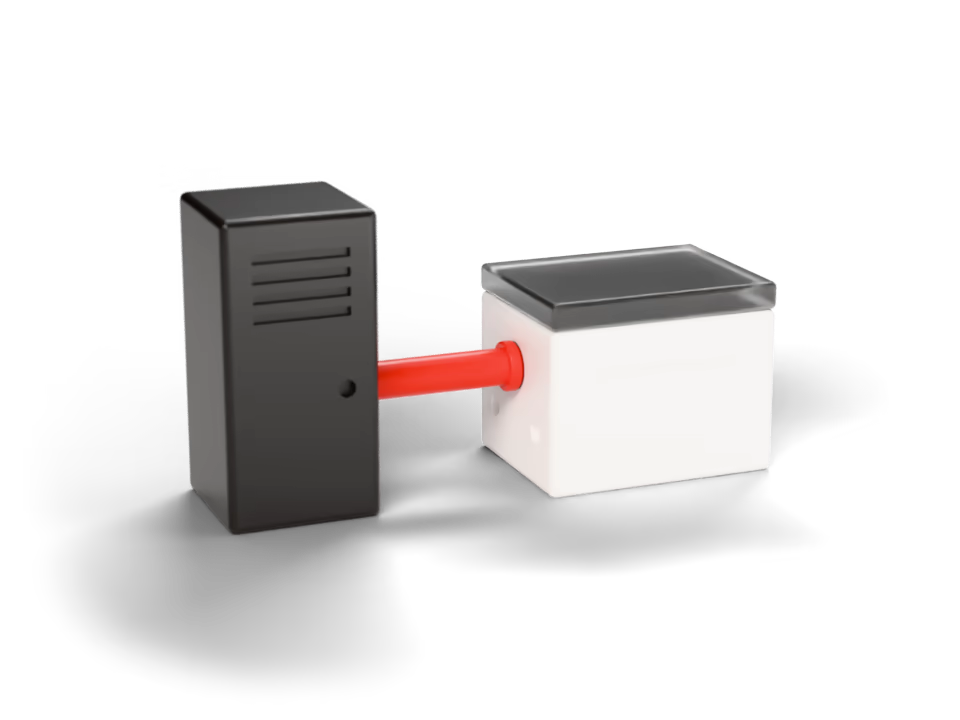
When your tools are not connected, your team transfers data between them manually, and a transfer that fails goes unnoticed. We connect them, with one system agreed as the source of record for each item of data.
Before and after
For companies that use several tools and move data between them manually — a shop and its warehouse, a clinic and its schedule, a sales tool and a spreadsheet.
TodayData is transferred from one system to another manually.
With custom softwareTransferred by the system, on the rules agreed before anything is connected.
TodayThe tools your team uses are not connected.
With custom softwareConnected, with one system as the source of record for each item of data.
TodayAn order entered in one system must be entered again in the next.
With custom softwareEntered once, where the work happens.
TodayWhen data fails to arrive, no one notices until it causes a problem.
With custom softwareFailed transfers are flagged instead of passing unnoticed.
What you get
Which system is the source of record for each item of data, how fields map, and what happens when a transfer fails or the systems disagree — agreed in writing before anything is connected.
Data that moves between systems automatically
Transferred by the system, on rules agreed before anything is connected.
One point of entry for each item of data
Entered once where the work happens, with one system as the source of record.
Your existing tools kept, not replaced
The systems your team already uses stay in place, unless the project is a rebuild of them.
Failed transfers flagged
A transfer that stops is reported instead of passing unnoticed.
How a project runs
- Analysis
- Design
- Build
- Handover
What an integration is
An integration allows two systems to hold the same information without anyone transferring it manually.
Source of record
One system owns each item of data.
Updated from it
The other system receives it, and no one copies it across.
Agreed rules
How fields map, and what happens when the two systems disagree.
Same data in both
A failed transfer is flagged rather than lost silently.
What it connects to
Google Sheets and Telegram are common examples: a spreadsheet that must stay current, and a notification when something needs attention.
- Google Workspace and SheetsThe spreadsheets and documents your team already maintains, read and updated by the system rather than manually.
- TelegramWhere your team already communicates: requests submitted and changes announced without opening another application.
- Your existing toolsKept rather than replaced. The analysis determines which of them we connect, and which one remains the source of record for each item of data.
Integrations
Common questions
Have a different question?
Write to us and we reply within 24 to 48 hours, or book a 15-minute call.
Which platforms can you connect?
Platforms that offer a way in — an API, an export or a spreadsheet. Google Workspace and Telegram are common examples. Which of your tools can be connected, and at what cost, is established in the analysis before you commit to anything.
One of our tools offers no way in. What then?
We will tell you so rather than promise a workaround. Sometimes a file export or a spreadsheet can serve as the bridge; sometimes the honest answer is that one manual step remains while the others are automated.
What happens when a transfer fails?
It is flagged. A failed transfer is logged with the data it carried and the reason it stopped, and it can be re-run — an integration should never fail silently.
Both systems hold customer data. Which one takes precedence?
The one you choose, field by field, during the design stage. That decision is most of the work, and documenting it before anything is connected prevents two tools from overwriting each other.
What if the other tool changes?
The source code and the accounts are yours, so whoever you choose can update an integration when the other tool changes. We take on such changes as well, with or without a support agreement.
How long does it take to connect two tools?
A first prototype in about a week — usually one direction, with one record transferred end to end, so the field mapping can be checked against real data. As a guide, production takes about a month.
How are credentials and transferred data protected?
We sign an NDA where the work requires one, and use only the access your team grants, which is revoked at handover. Data in transit is encrypted, everything the integration stores is backed up and portable, and the accounts holding the credentials are transferred to you at delivery.
Do we need to replace our existing tools?
No. Your existing systems stay in place unless the project is to rebuild one of them; what changes is that data no longer has to be transferred between them manually.
Other examples of what we build
A single record of every customer and deal, structured around the way your company already sells and serves.
Documents that follow a defined approval route instead of circulating through chats and shared folders.
Purpose-built internal tools that replace the spreadsheets and chat threads your team currently relies on.
A single record of stock, orders, assets and working time, replacing a separate spreadsheet for each department.
The key figures your business is managed by, collected automatically rather than compiled manually.
Internal systems, process automation, operational platforms, management tools or a new software product. Describe the problem, and we design the software it needs.

How to start
Describe the task
Tell us about the problem and the process around it, in your own words. No specification is needed.
First analysis and an initial plan
We review your process and requirements at no charge. You receive a diagram of the process and an initial plan for the software.
A price for your project
The price is set after the analysis and agreed before development begins. It may change if the requirements change or the scope grows, and can be paid in stages.
Get in touch
Tell us about the problem you want to solve
We will reply, ask about your current process and propose where to start. If this page has not answered your question, ask it here.
We reply within 24 to 48 hours, in the order requests arrive.
Or write to us at hello@